The command center for physical AI.
Xolver Console gives teams one place to prepare, review, monitor, recover, and improve intelligent machine workflows.
It connects task workflows, prediction state, machine health, safety checks, rollout governance, incident analysis, and readiness records.
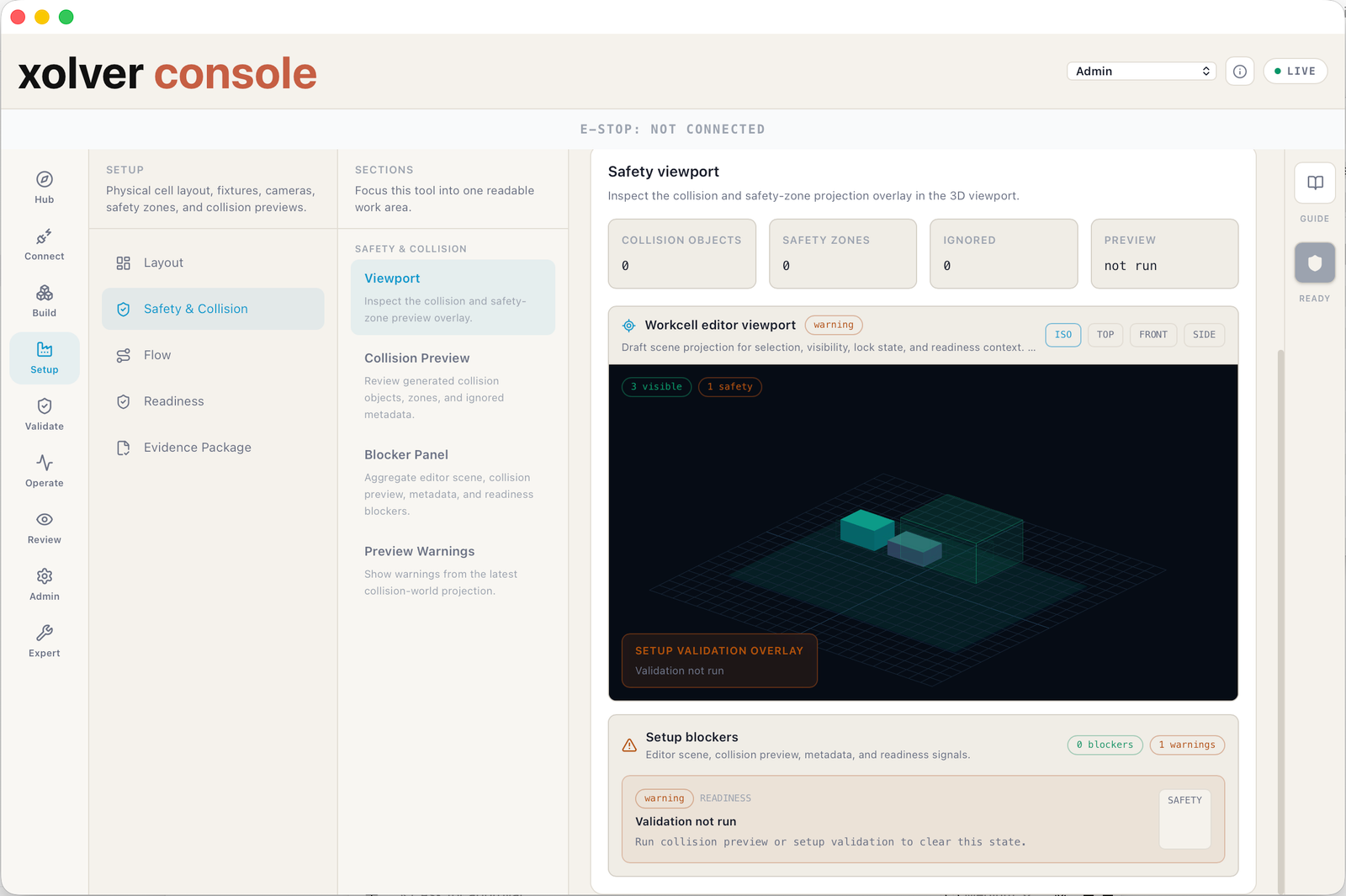
One lifecycle surface.
Console includes Sentinel for live operations, incident analysis, replay, recovery review, and evidence-linked monitoring.
Start from the application, not a blank screen.
Xolver Console gives teams guided starting points for inspection, tending, handling, assembly, warehouse robotics, and data-center operations.
From there, teams can prepare workflows, review behavior, monitor operations, handle exceptions, and keep operational records in one place.
Connect
Bring machine, facility, and operational signals into one reviewed workspace.
Build
Prepare application workflows, reference patterns, and task-specific behavior.
Validate
Review proposed behavior before it reaches physical operation.
Operate
Monitor status, exceptions, interventions, and recovery paths.
Review
Keep records of what happened, what changed, and what should improve.
Observe, diagnose, replay, recover.
Sentinel makes the operating loop visible inside Console: machine state, signal freshness, incidents, interventions, recovery options, and the records teams need to review what happened.
Explore Xolver SentinelLive operations monitoring
Incident analysis
Replay and recovery review
Evidence-linked source health
Prepare workflows
Create and review work areas, tasks, templates, reference workflows, and deployment plans.
Validate before action
Preview proposed behavior, run checks, review simulations where available, and summarize readiness.
Predict and compare
Review outcome predictions, risk signals, and prediction-vs-result records.
Deploy and govern
Manage approvals, staged rollouts, activation gates, and recovery paths.
Monitor and recover
Track safety state, machine health, incidents, interventions, recovery suggestions, and site context.
Prove and improve
Collect readiness reports, replay records, and buyer-confidence materials.
Deploy governed intelligence, then improve it from evidence.
Teams use Console to review work areas, prepare workflows, compare predictions, approve staged rollouts, analyze incidents, supervise recovery, and export readiness records.
Explore the Xolver product system